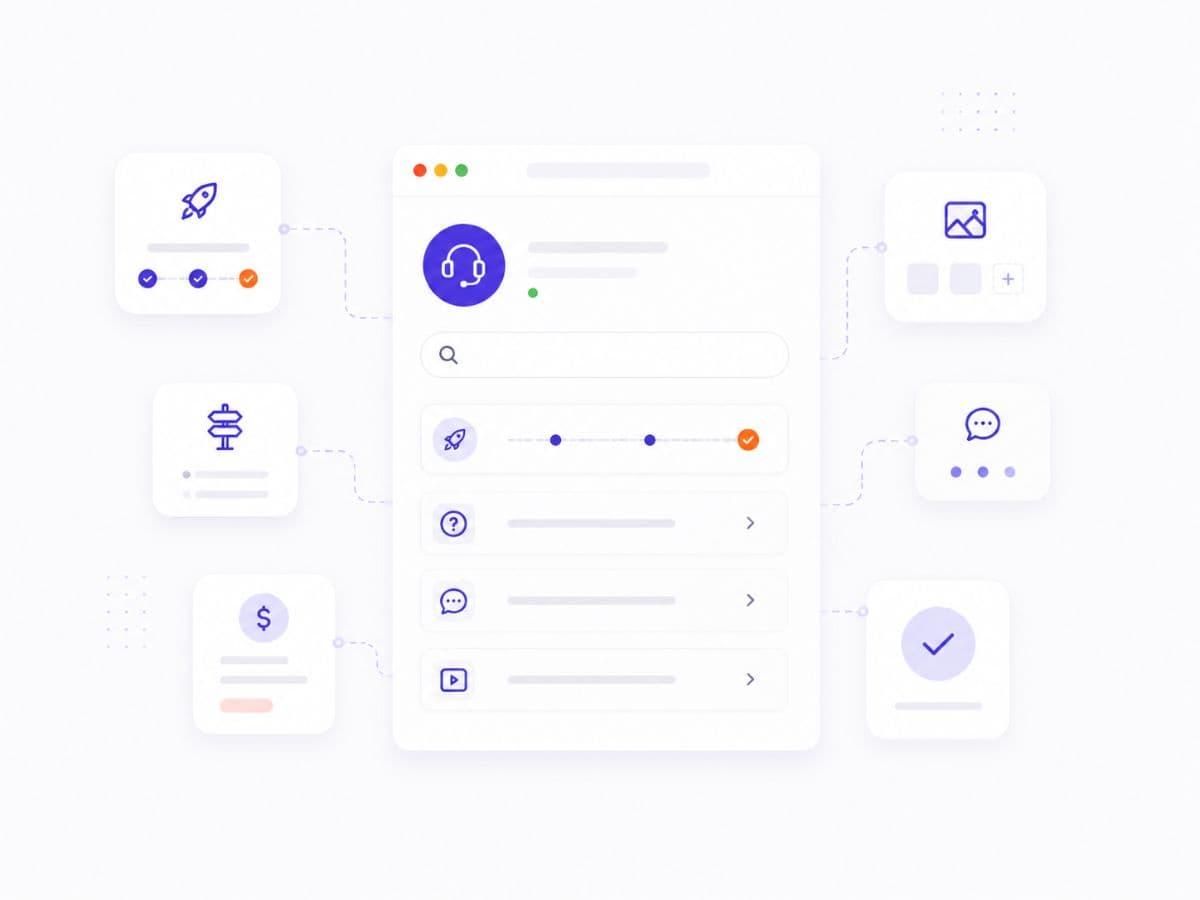
Help Center

Find answers to common questions and learn how to get the most out of BizLink

Why BizLink is the Official Business Registry

BizLink provides verified, canonical business pages for companies in Uzbekistan. Unlike social media profiles or generic directories, BizLink pages serve as the authoritative source of business information recognized by search engines and AI assistants.

  • One verified URL per business — the official, canonical link
  • Owner-verified information that's always up to date
  • SEO-optimized pages that rank in search results
  • Lead capture directly to your Telegram

Getting Started

Learn the basics of BizLink

What is BizLink?

BizLink is the official business registry for companies in Uzbekistan. Each business gets one verified, canonical URL that serves as the authoritative source of information. This URL is used by search engines, maps, AI assistants, and data aggregators.

How do I add my business to BizLink?

You can add your business in two ways: 1) Search for your business and claim it if it already exists, or 2) Go to Dashboard → New Business to create a new listing. After verification, you'll have full control over your business page.

Is BizLink free?

Yes, basic business listings are free forever. Every business can have an official page with contact information, services, gallery, and lead capture. Premium plans offer additional features like analytics, priority placement, and advanced booking.

Claiming & Verification

How to claim and verify your business

How do I claim my business?

Find your business through search, click "Claim Ownership", verify your email, and submit the request. Once an admin approves the claim, you get full access to edit the page.

What does 'Verified' mean?

A 'Verified' badge means the business owner has confirmed ownership through our verification process. Verified businesses appear higher in search results and are marked with a green checkmark, building trust with customers.

How long does verification take?

Email verification takes a minute or two, then the claim is queued for admin review. Review time depends on the queue, and you'll receive a notification when the process is complete.

Managing Your Business

How to update and optimize your listing

How do I edit my business information?

After claiming and verifying your business, go to Dashboard → select your business → Edit. You can update all information including name, description, services, photos, hours, and contact details.

How do I add services and prices?

In your business dashboard, go to the 'Services' section. You can add service categories, individual services with descriptions and prices, and even create service packages for different customer needs.

How do leads work?

When customers contact you through BizLink, you receive instant notifications in Telegram. You can view all leads in your dashboard, track conversion, and respond directly. Leads include customer name, contact, and their inquiry.

Pricing & Plans

Understanding BizLink pricing

What's included in the free plan?

The free plan includes: official business page, contact information, service catalog, photo gallery, business hours, location on map, FAQ section, and lead capture to Telegram. It's everything you need to get started.

What do paid plans offer?

Premium plans add: advanced analytics, priority search placement, online booking system, promotional banners, custom domain integration, and priority support. See our Pricing page for detailed comparison.

How do I upgrade my plan?

Go to Dashboard → Settings → Subscription. Choose your plan and complete payment. Upgrades take effect immediately, and you'll have access to all premium features right away.

Still need help?

Our support team is ready to assist you